Skip to content


Why use it
Semantic by default. Any stack.
npm or CDN. Class-based or classless. Dark is a build, not a theme script.
- Semantic HTML
Style real elements. Pages without a class on every heading and form.
- Classless build
Point at bullframe-classless.css for plain HTML. No .bf-* classes in that build.
- Dark without JS
Always-dark builds, or system-default builds wired to prefers-color-scheme.
When to use
Use Bullframe for pages, not apps.
Good for docs, blogs, landings, help centers, and forms. If you need a dashboard shell, data grid, or design-system components, use a UI kit instead.
- Good fit
Docs, blogs, landings, help centers, and forms.
- One CSS file
Reset, type, forms, layout. npm or CDN.
- Two markup modes
Class-based (.bf-*) or classless. Utilities are optional.
- Skip when
Dense app shells, data grids, or a JS component library.
Install
CDN link
<link rel="stylesheet" href="https://cdn.jsdelivr.net/npm/bullframe.css">Agent skills
Teach agents Bullframe
Markdown skills ship in the npm package. No server, no API key. Writes local skill files and an AGENTS.md block.
npx bullframe.css skills installExamples
Example pages
Live HTML on the published builds.
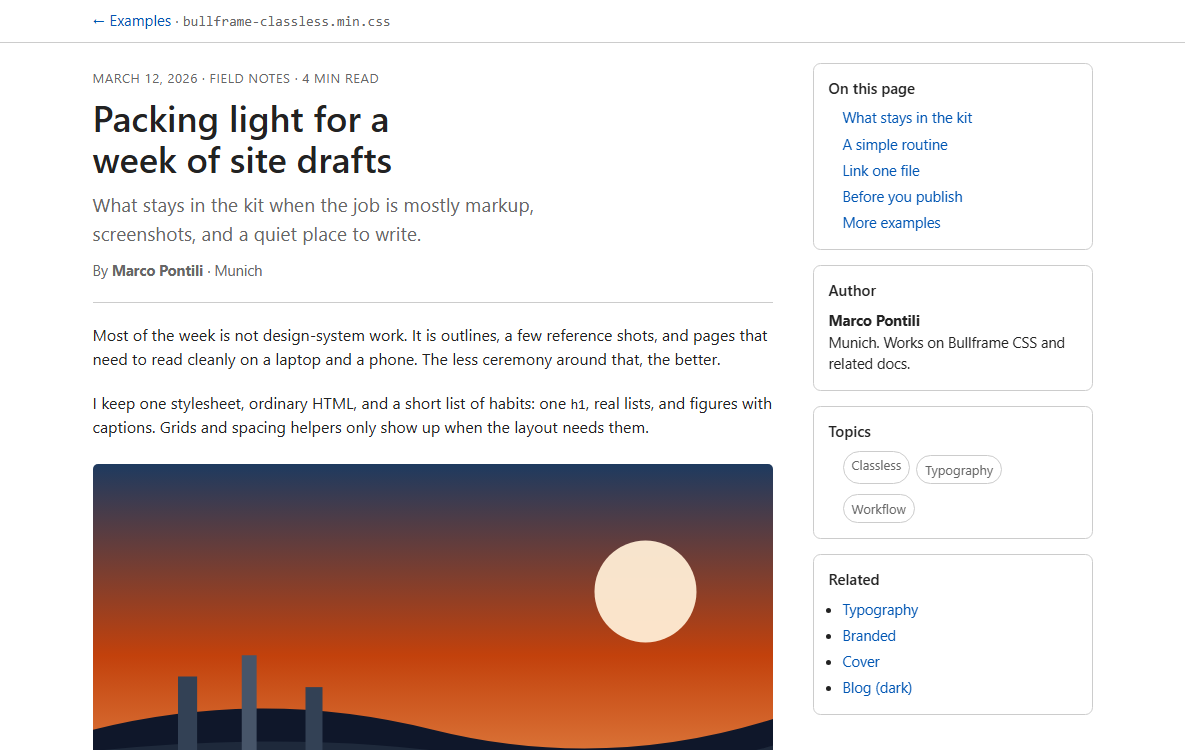
Blog
Classless article with sidebar TOC.
bullframe-classless.min.css
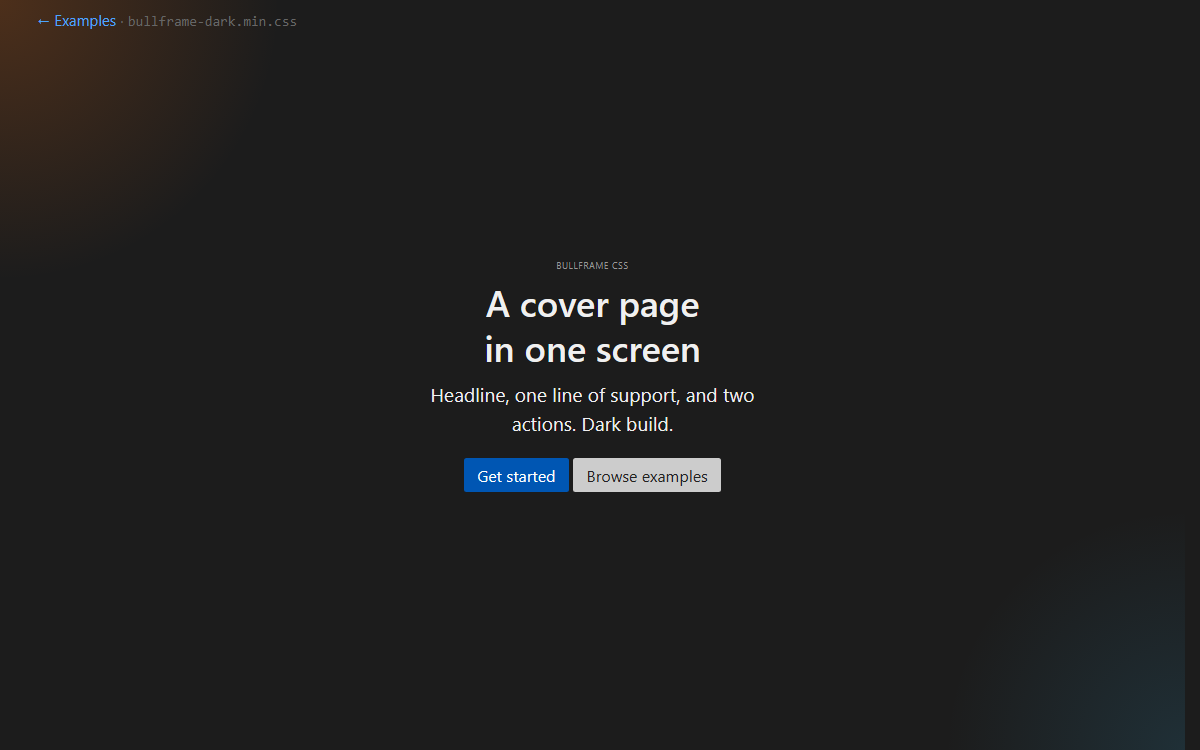
Cover
Full-viewport landing, dark build.
bullframe-dark.min.css
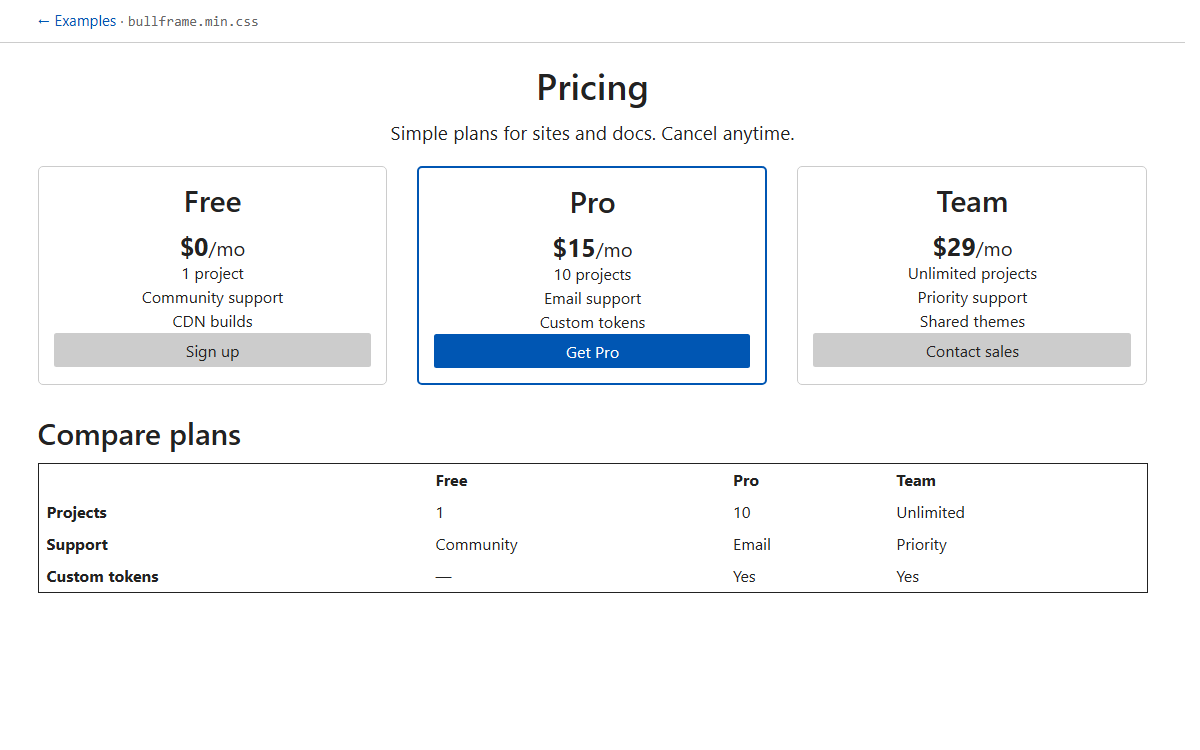
Pricing
Three plans and a compare table.
bullframe.min.css
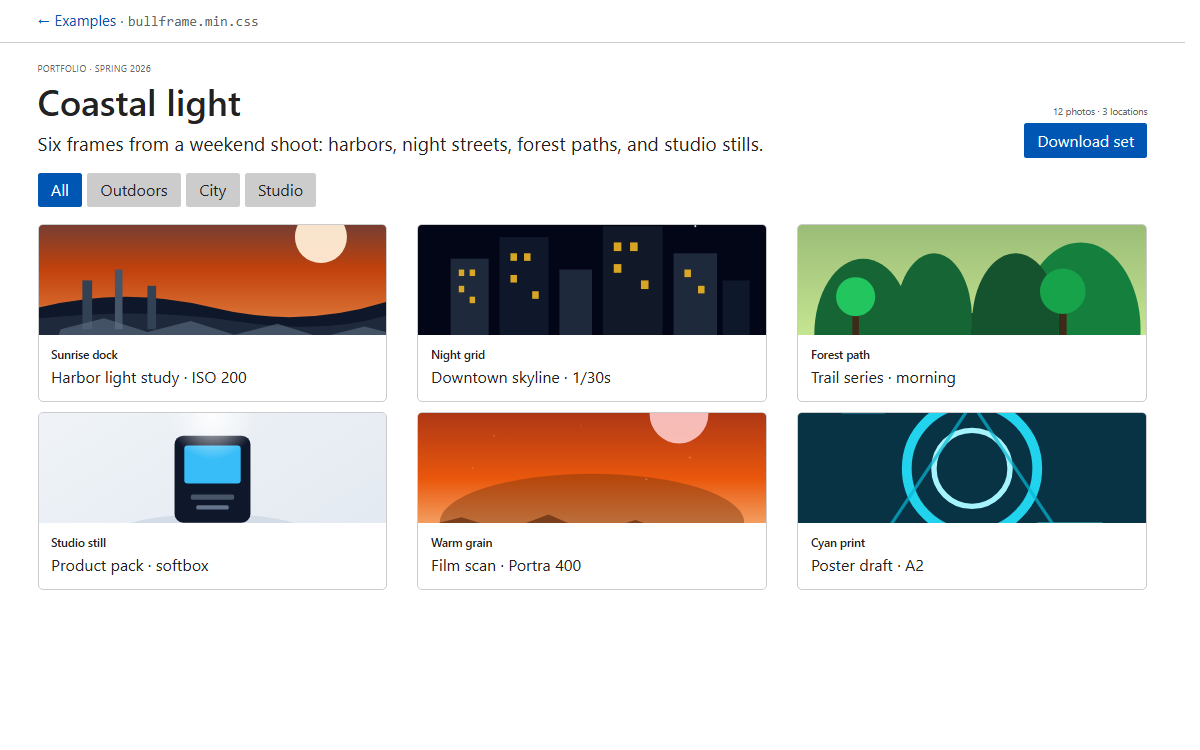
Album
Photo grid with filters and captions.
bullframe.min.css
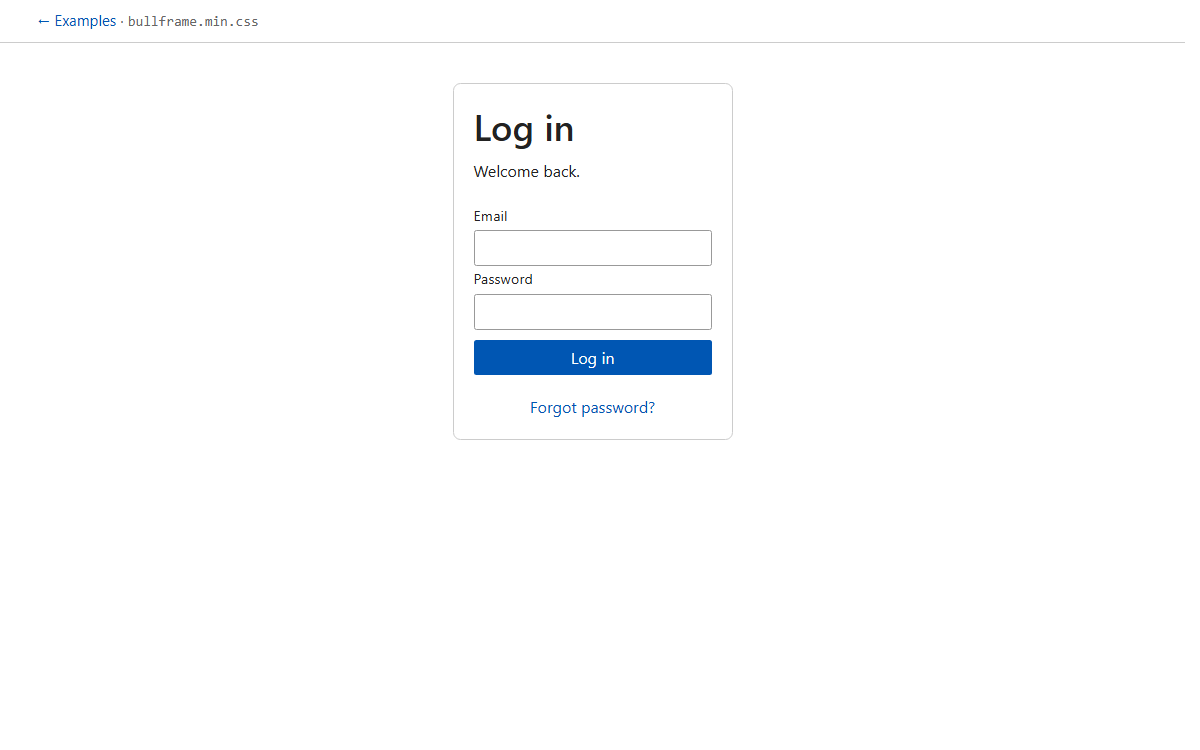
Sign in
Centered auth form, light build.
bullframe.min.css
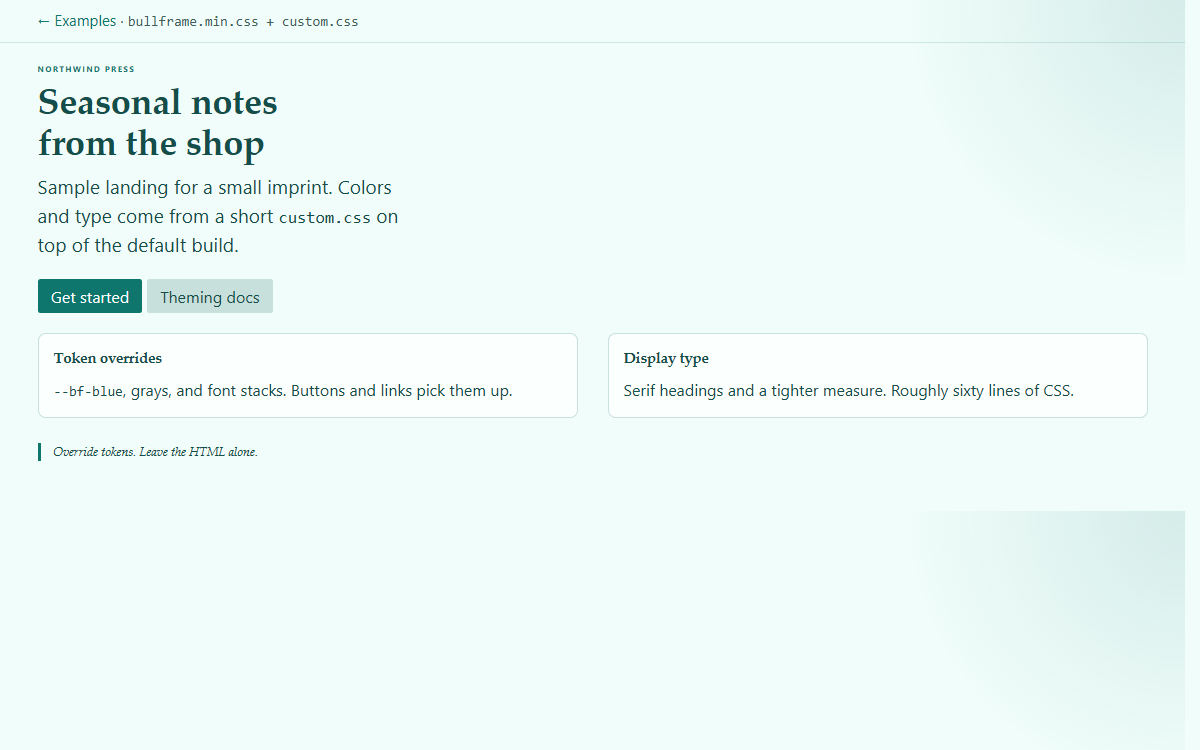
Branded
Default build plus a short custom.css.
bullframe.min.css + custom.css
Seven builds
Seven CSS builds
Markup mode and theme are in the filename. Same tokens in every build.
| File | Use when |
|---|---|
bullframe.css | Class-based · light |
bullframe-dark.css | Class-based · always dark |
bullframe-system-default.css | Class-based · OS theme |
bullframe-classless.css | Classless · light |
bullframe-classless-dark.css | Classless · always dark |
bullframe-classless-system-default.css | Classless · OS theme |
bullframe-utilities.css | Utilities only |
Specs
Package defaults
0
Runtime deps
PostCSS builds to plain CSS. No Sass. No JS runtime.
AA
Defaults
Focus-visible, reduced-motion, WCAG AA on links and primary buttons.
7
Builds
Class-based + classless × light / dark / system, plus utilities.
~8
kB gzip
Default build. One file for reset, type, forms, layout.