

Examples
Standalone HTML templates for common layouts. Open a card for the live page and view its source to copy the markup. To see every element on one page, use the Kitchen sink.
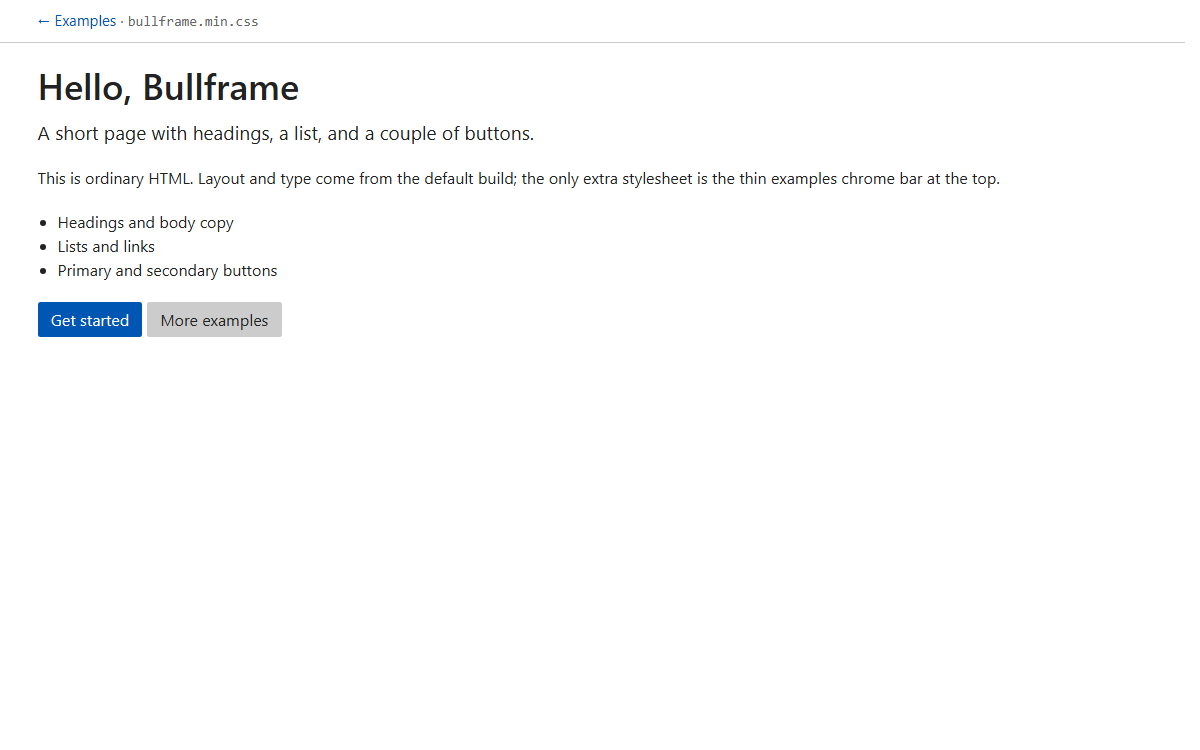
Starter
Headings, text, list, and buttons.
bullframe.min.css
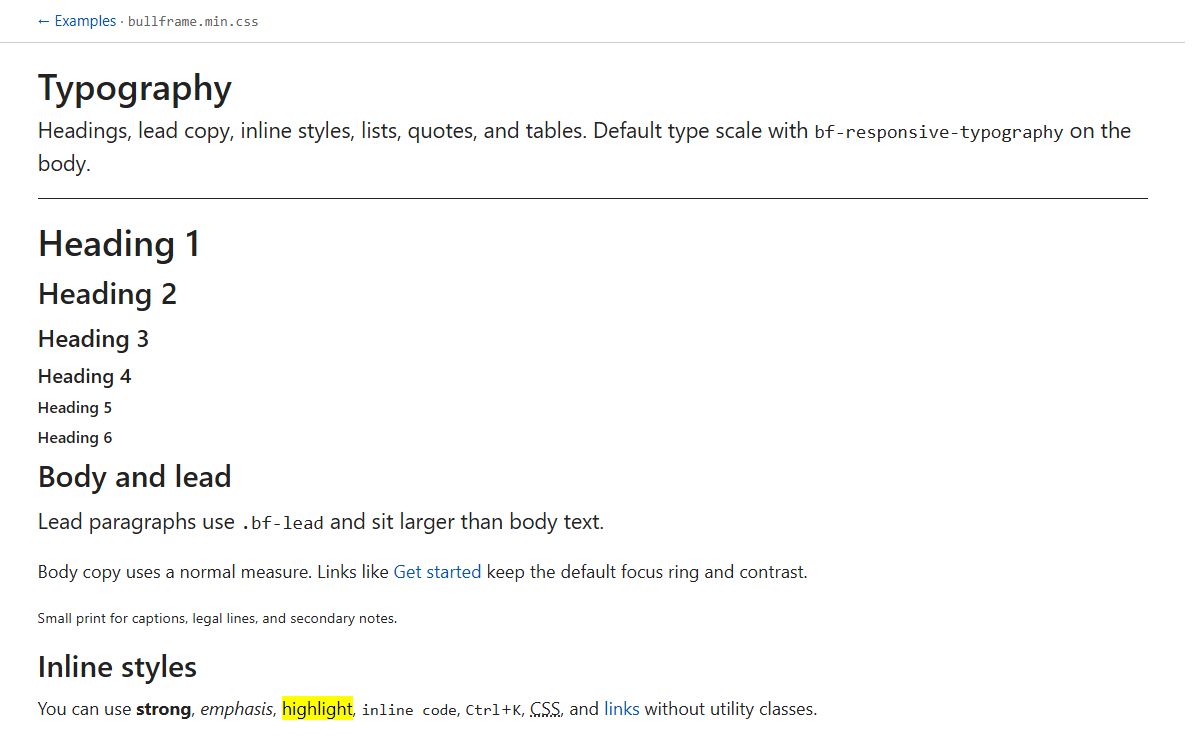
Typography
Headings, lead, lists, quotes, and tables.
bullframe.min.css
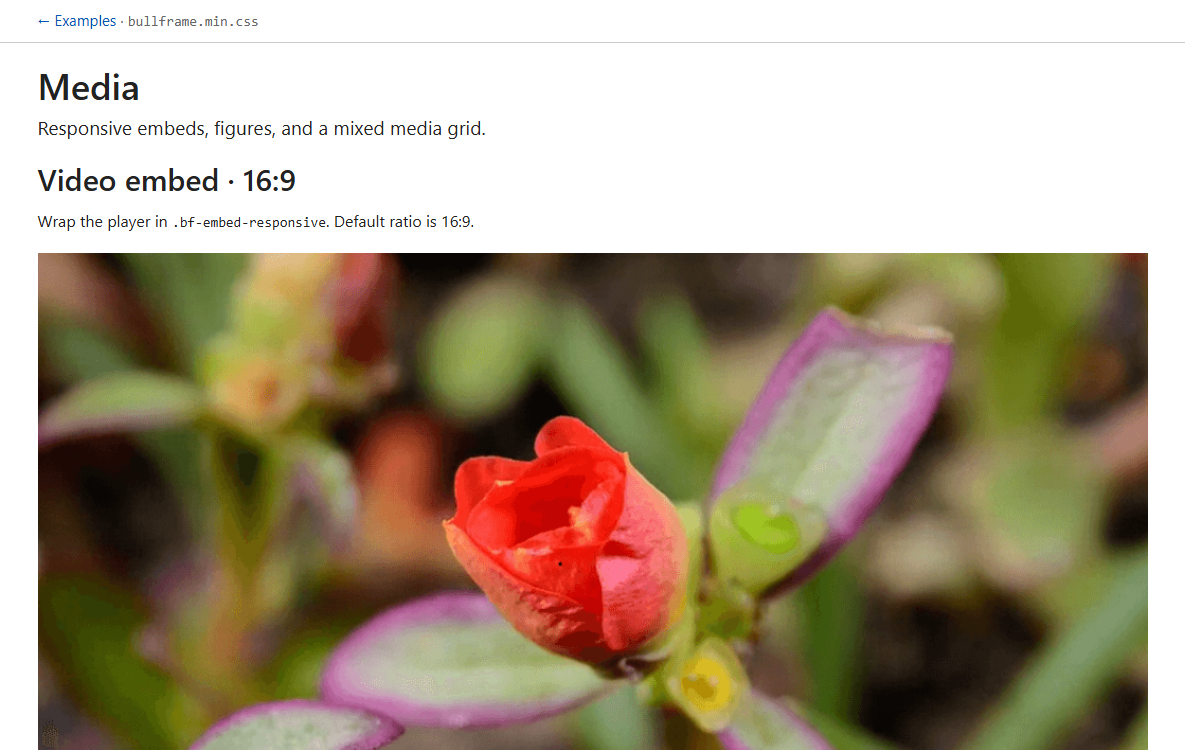
Media
16:9 and 4:3 embeds, figures, media grid.
bullframe.min.css
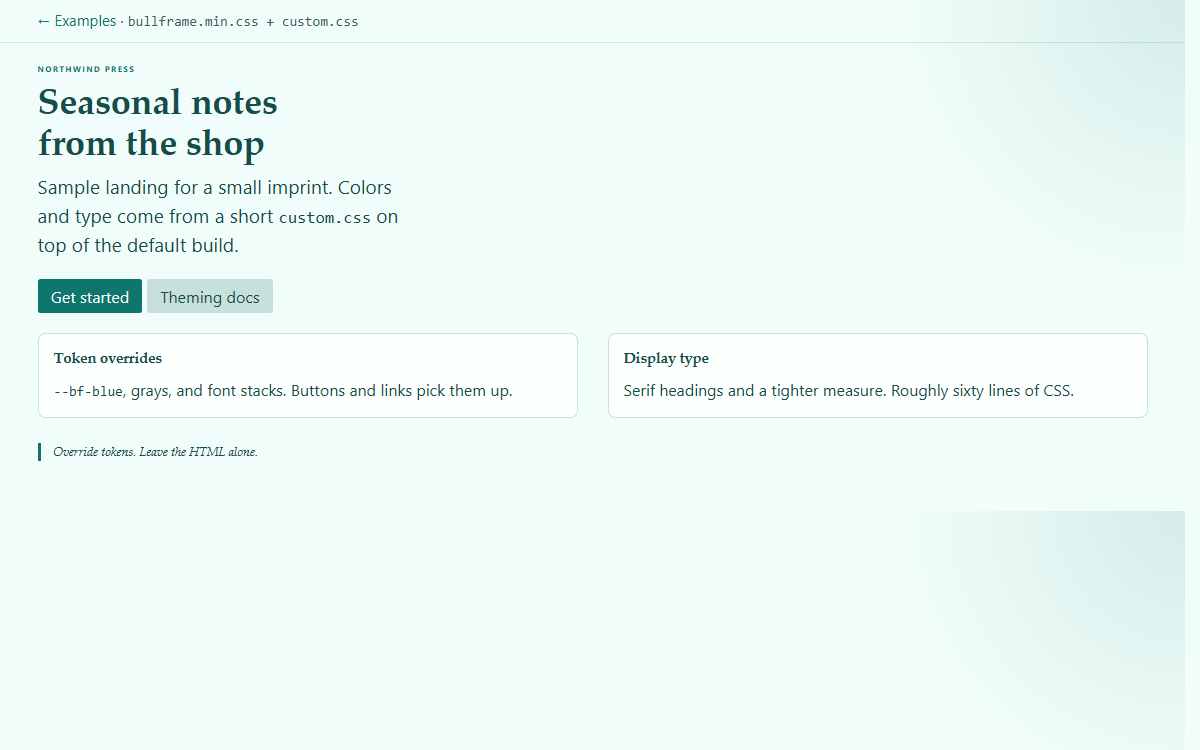
Branded
Default build plus a short custom.css.
bullframe.min.css + custom.css
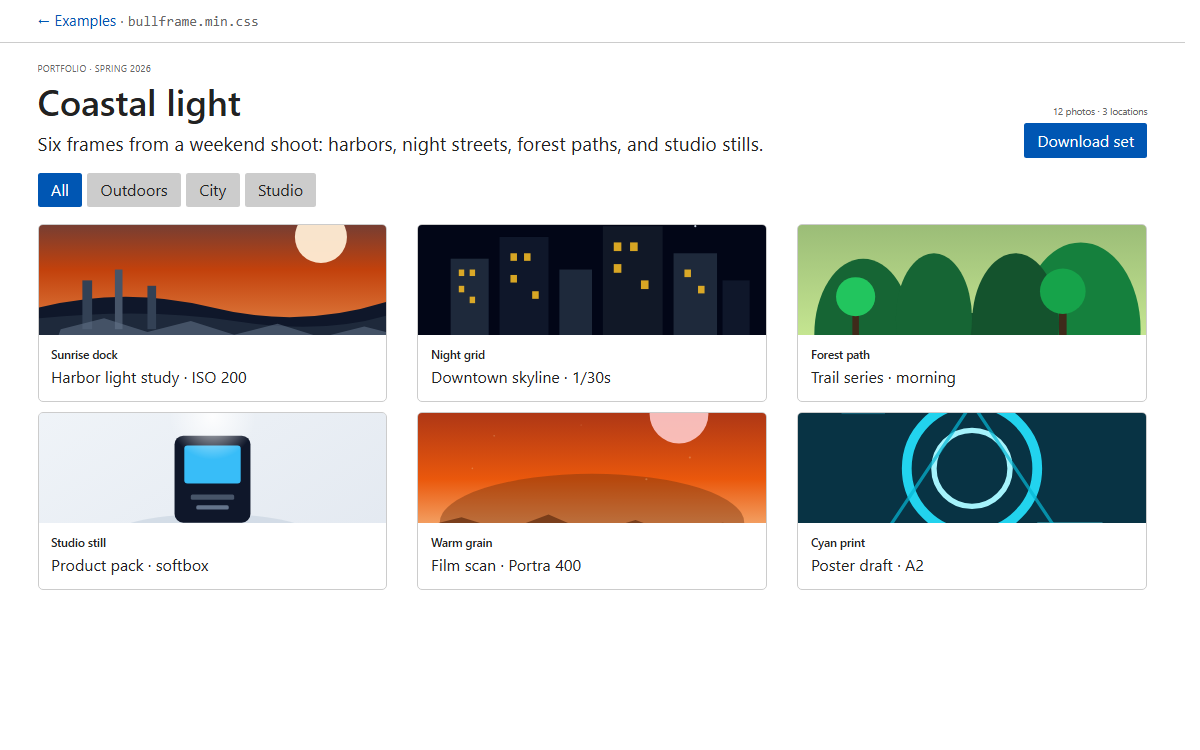
Album
Photo grid with filters and captions.
bullframe.min.css
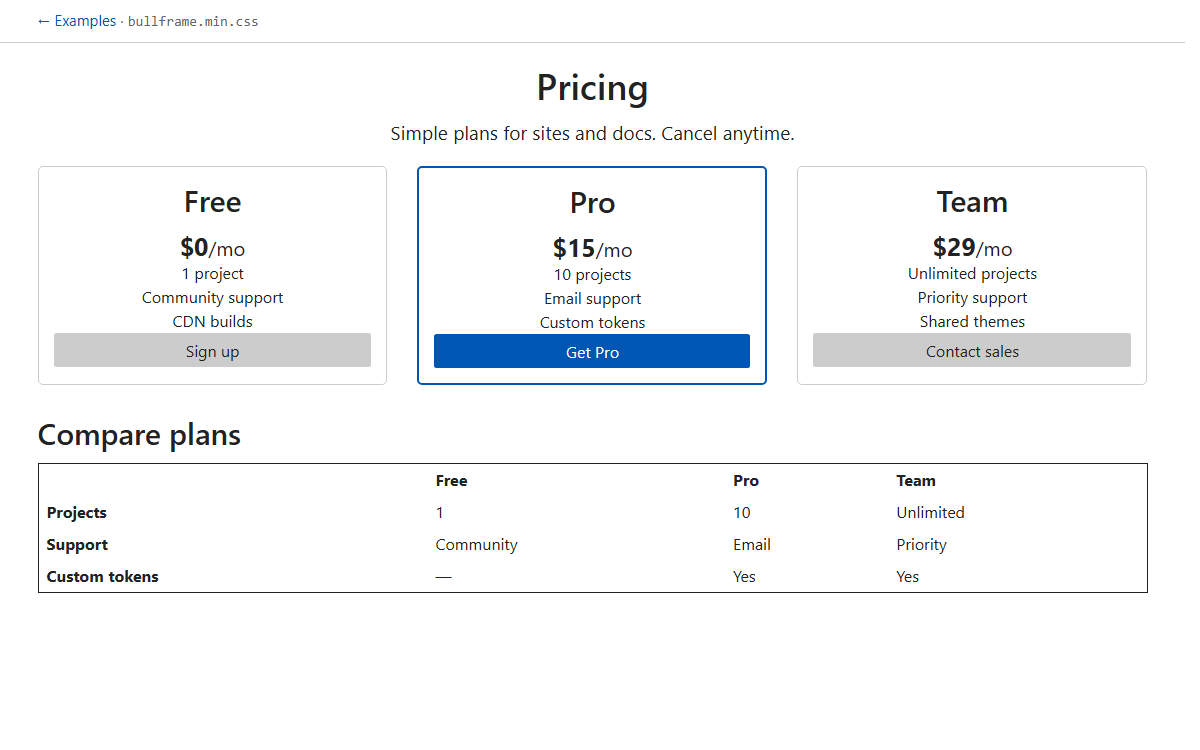
Pricing
Three plans and a compare table.
bullframe.min.css
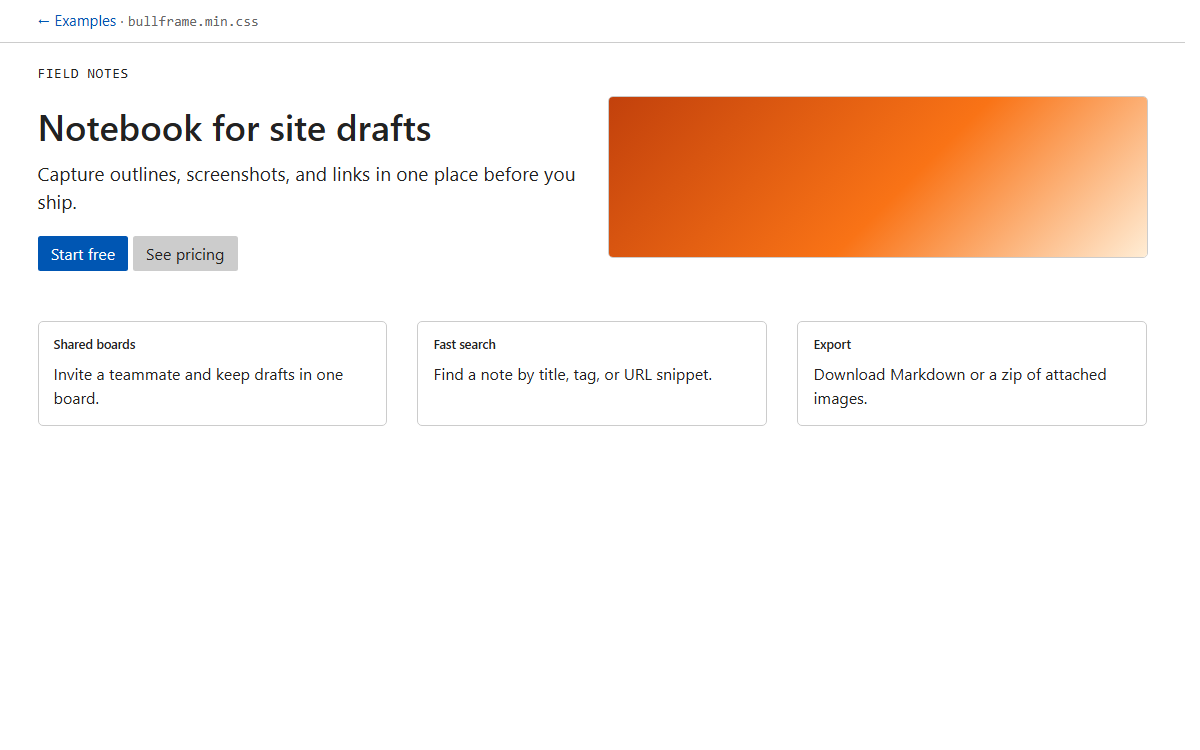
Product
Hero, feature row, and CTAs.
bullframe.min.css
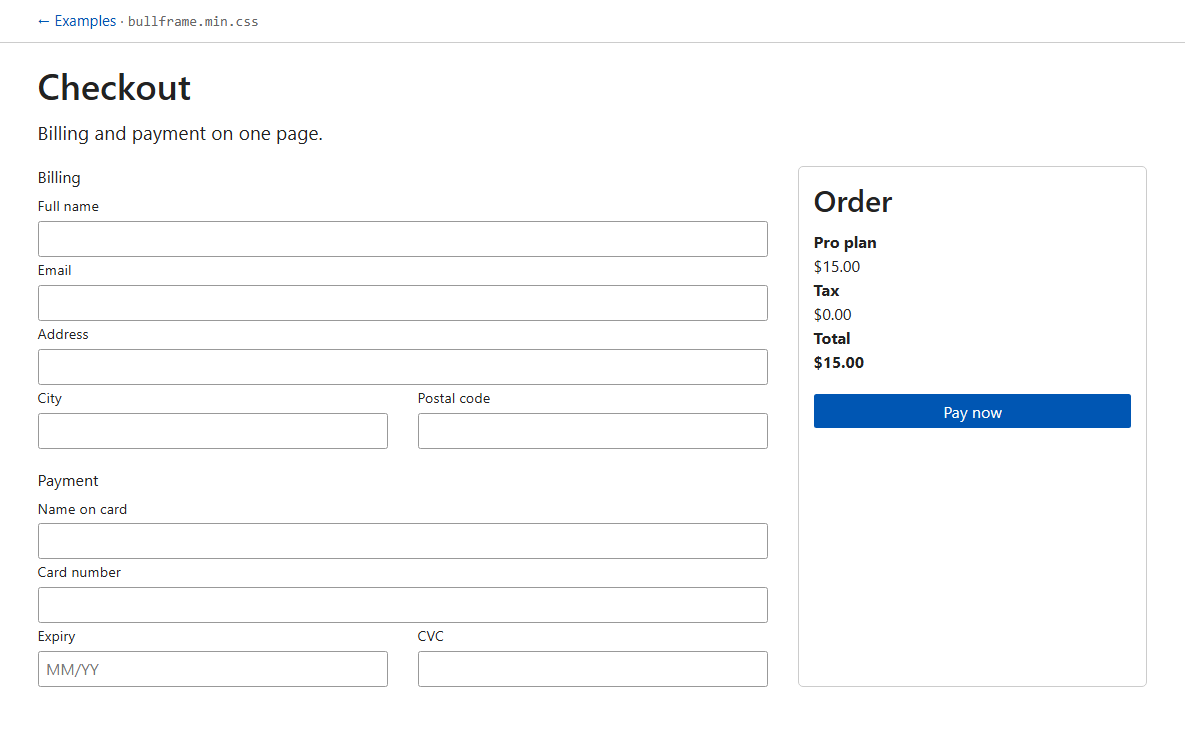
Checkout
Billing and payment form.
bullframe.min.css
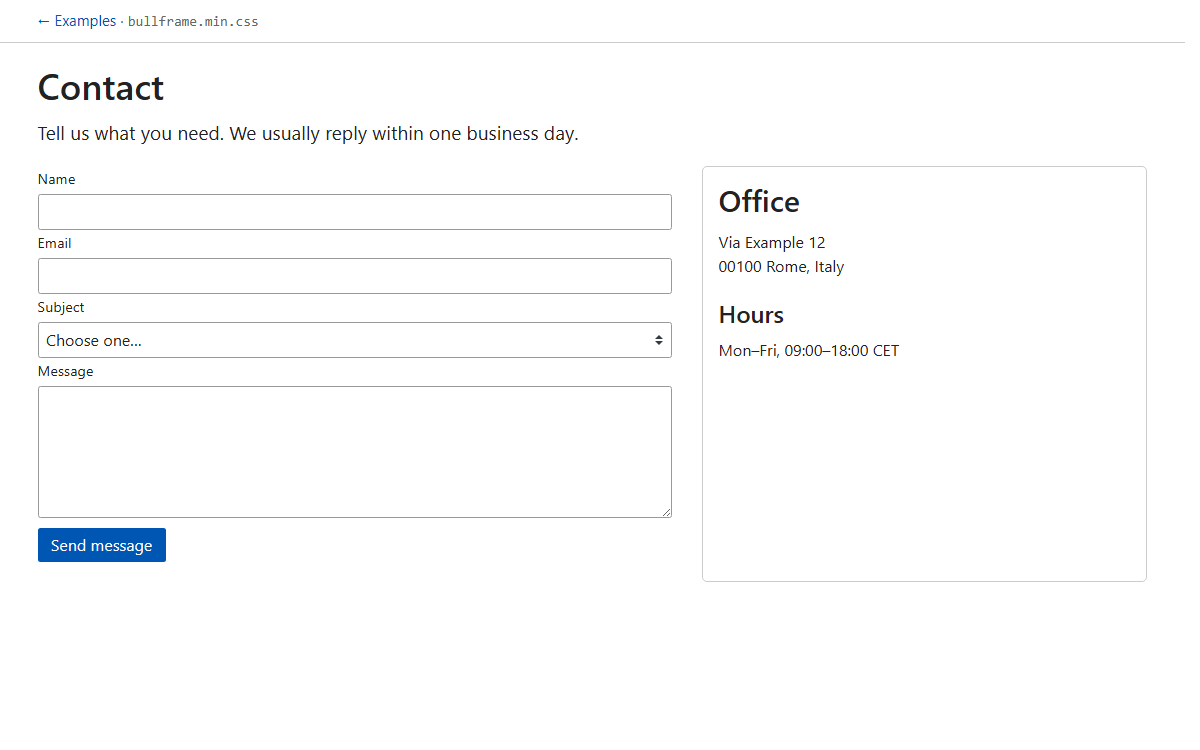
Contact
Form with address and hours.
bullframe.min.css
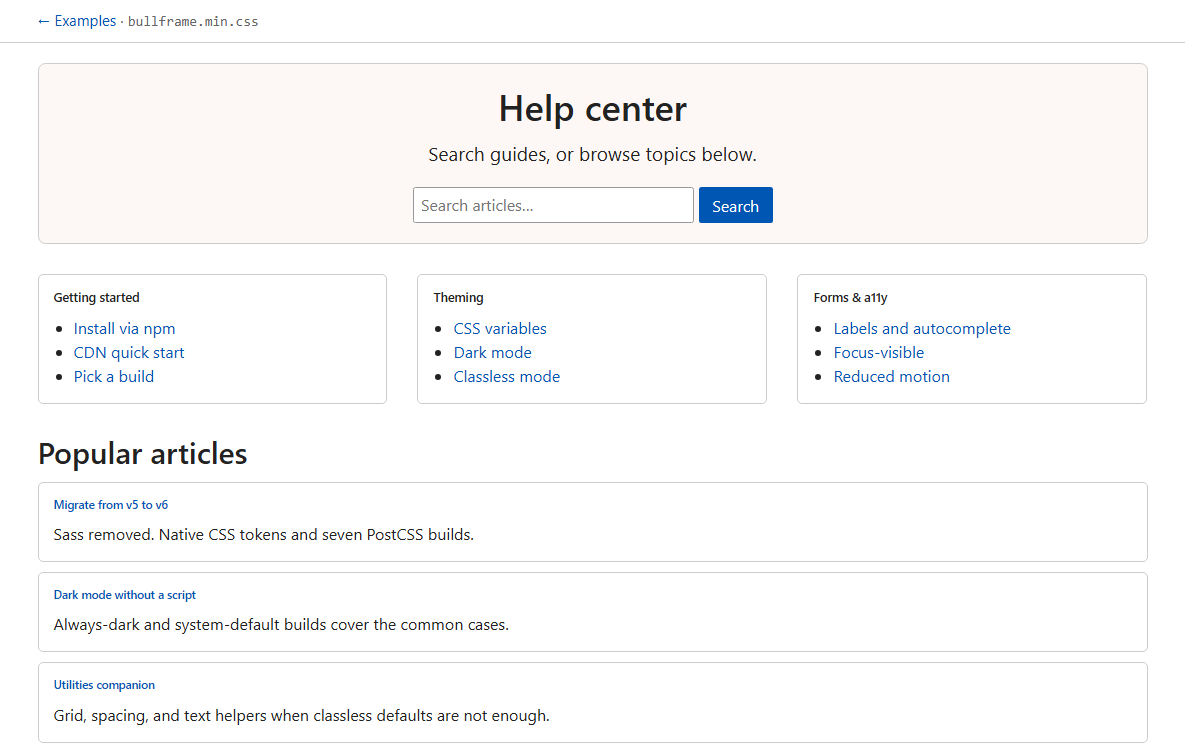
Help center
Search, topics, and article teasers.
bullframe.min.css
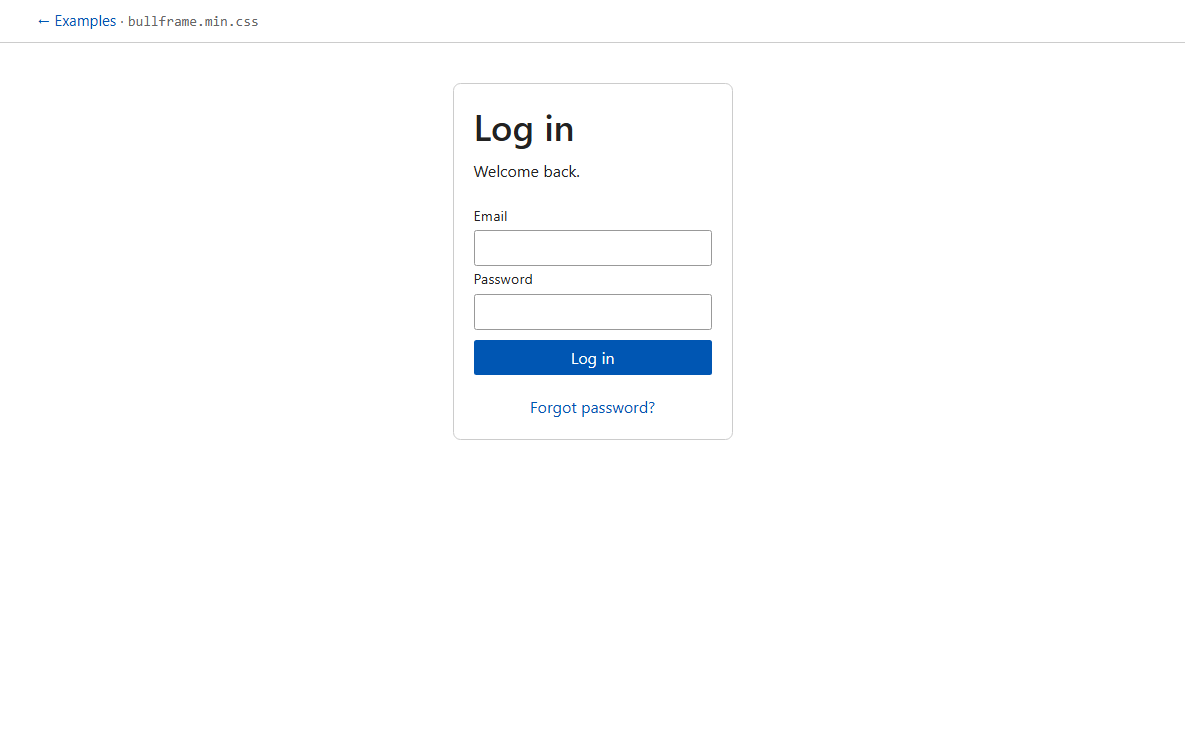
Sign in
Centered auth form, light build.
bullframe.min.css
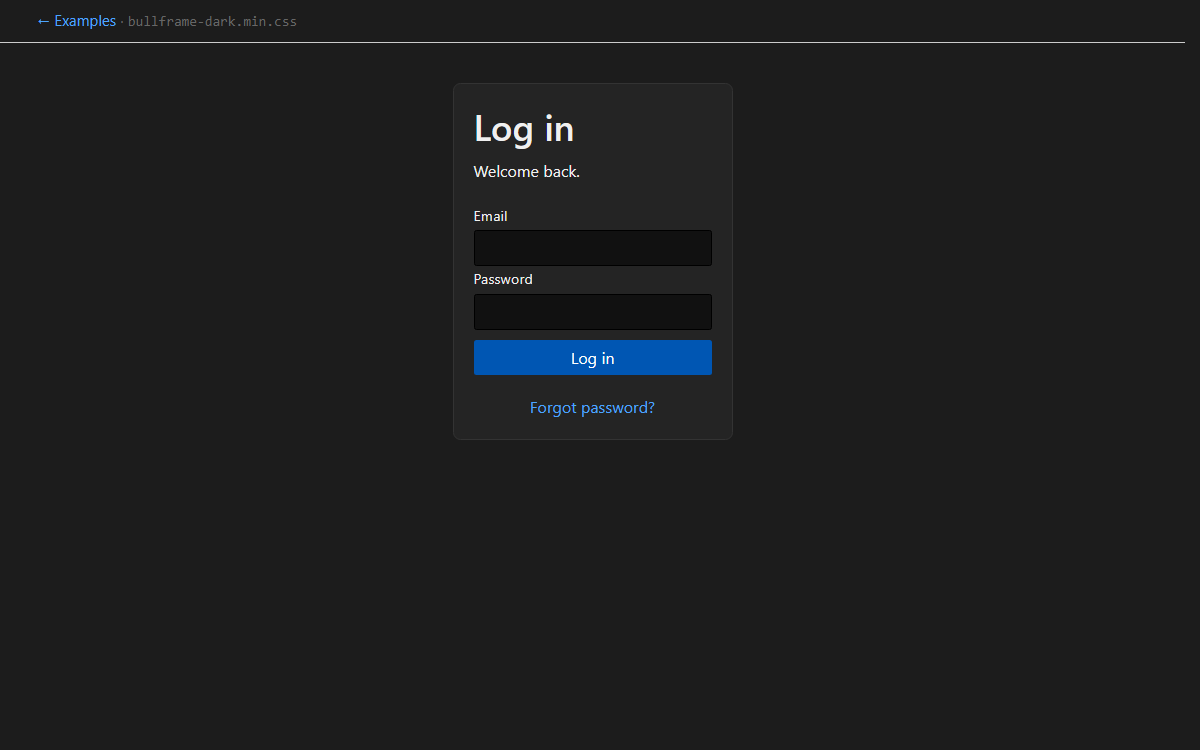
Sign in (dark)
Same form on the dark build.
bullframe-dark.min.css
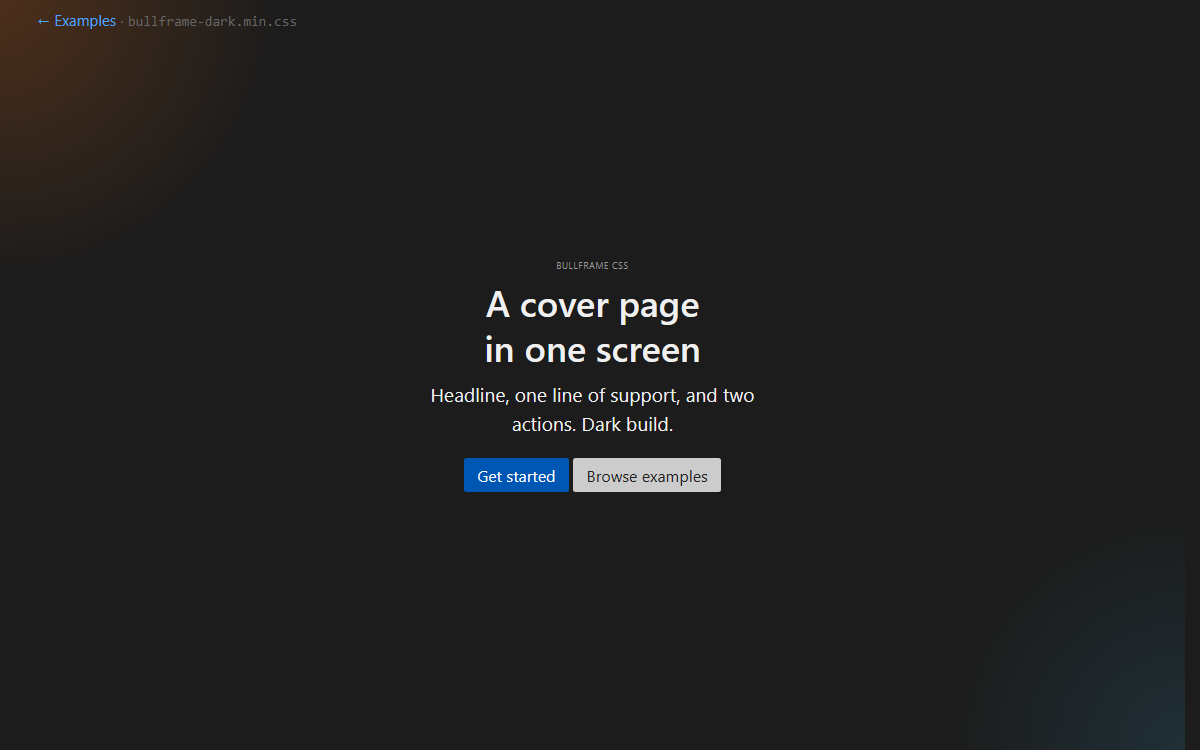
Cover
Full-viewport landing, dark build.
bullframe-dark.min.css
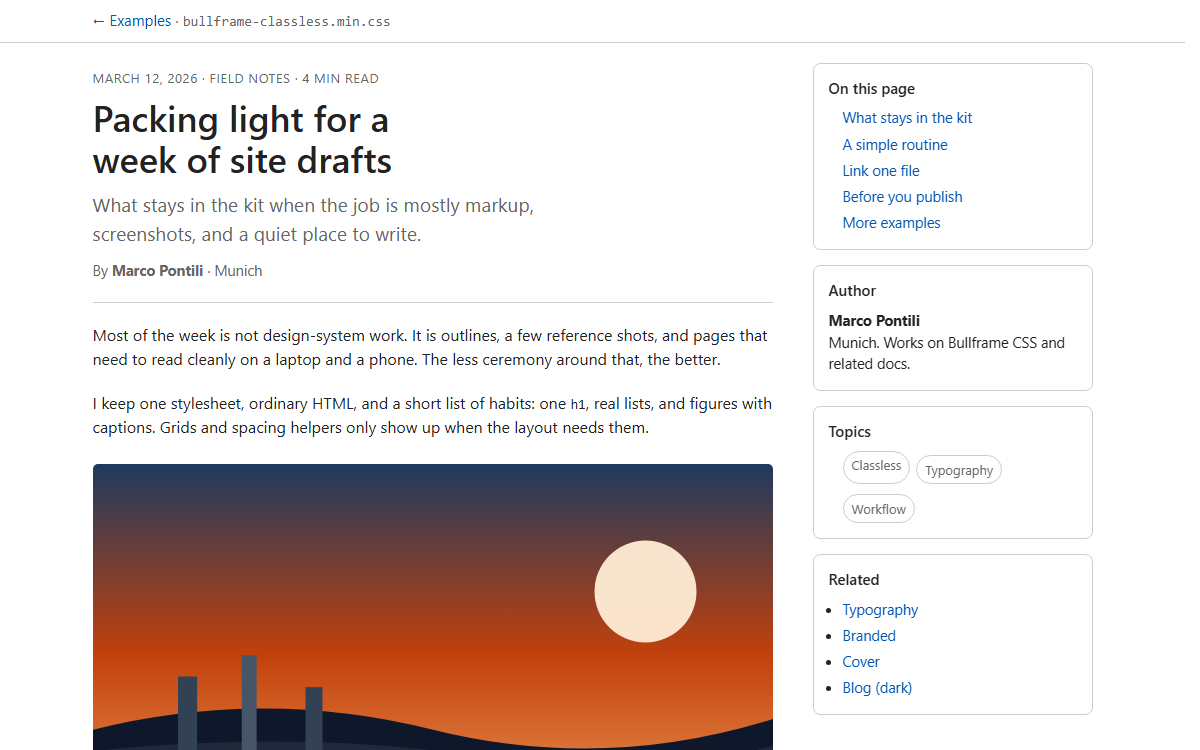
Blog
Classless article with sidebar TOC.
bullframe-classless.min.css
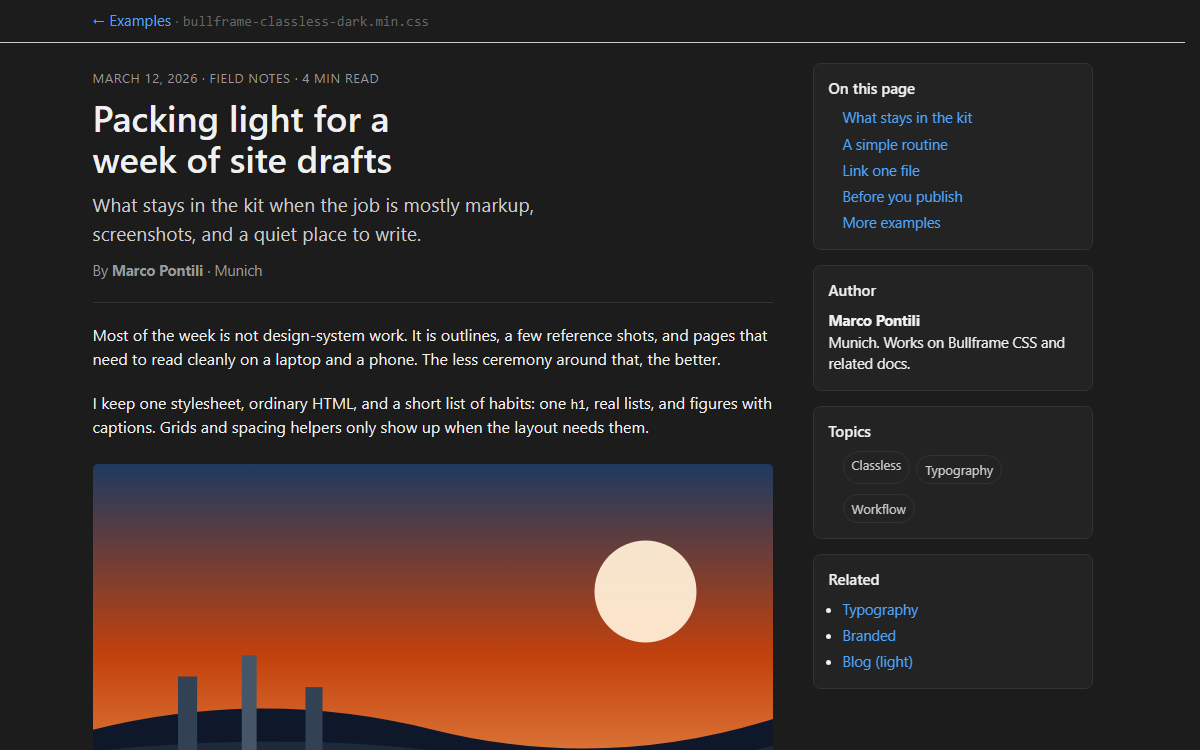
Blog (dark)
Same layout on classless dark.
bullframe-classless-dark.min.css
Add or update an example
Templates live in src/docs/examples/<slug>/index.html, and the gallery reads src/docs/examples/examples.json. Regenerate the card screenshots after a change:
npm run build
npm run docs:sync-public
npm run examples:shots